Nine print-ready templates
Choose a page system for reports, academic papers, resumes, GitHub documents, manuscripts, and more.
ReportAcademicGitHubResume
Free. Private. No signup.
Paste, upload, or import a URL. Preview every page, choose a template, and export without installing anything.
Rendering uses a short-lived worker.
Reports, resumes, GitHub docs, and more.
Write, check, preview, and export.
The details that usually break during export stay visible, clickable, and ready to share.
Choose a page system for reports, academic papers, resumes, GitHub documents, manuscripts, and more.
Full support for Chinese, Japanese, and Korean characters using Noto Sans fonts.
Emojis render correctly in your PDF using Noto Emoji font fallback.
Bold, italic, underline, and strikethrough are preserved exactly as written.
Clickable links are retained in the PDF output with URL annotations.
Insert <!-- pagebreak --> anywhere to control where pages split.
<!-- pagebreak -->One workspace for the documents that need to look finished, not merely converted.
Create polished, professional resumes from Markdown.
Convert any GitHub README or documentation to PDF.
Turn API references and technical guides into shareable PDFs.
Compile multiple Markdown chapters into a complete eBook.
MD to PDF is a zero-config browser workspace for reports, technical docs, GitHub README files, resumes, and ebooks.
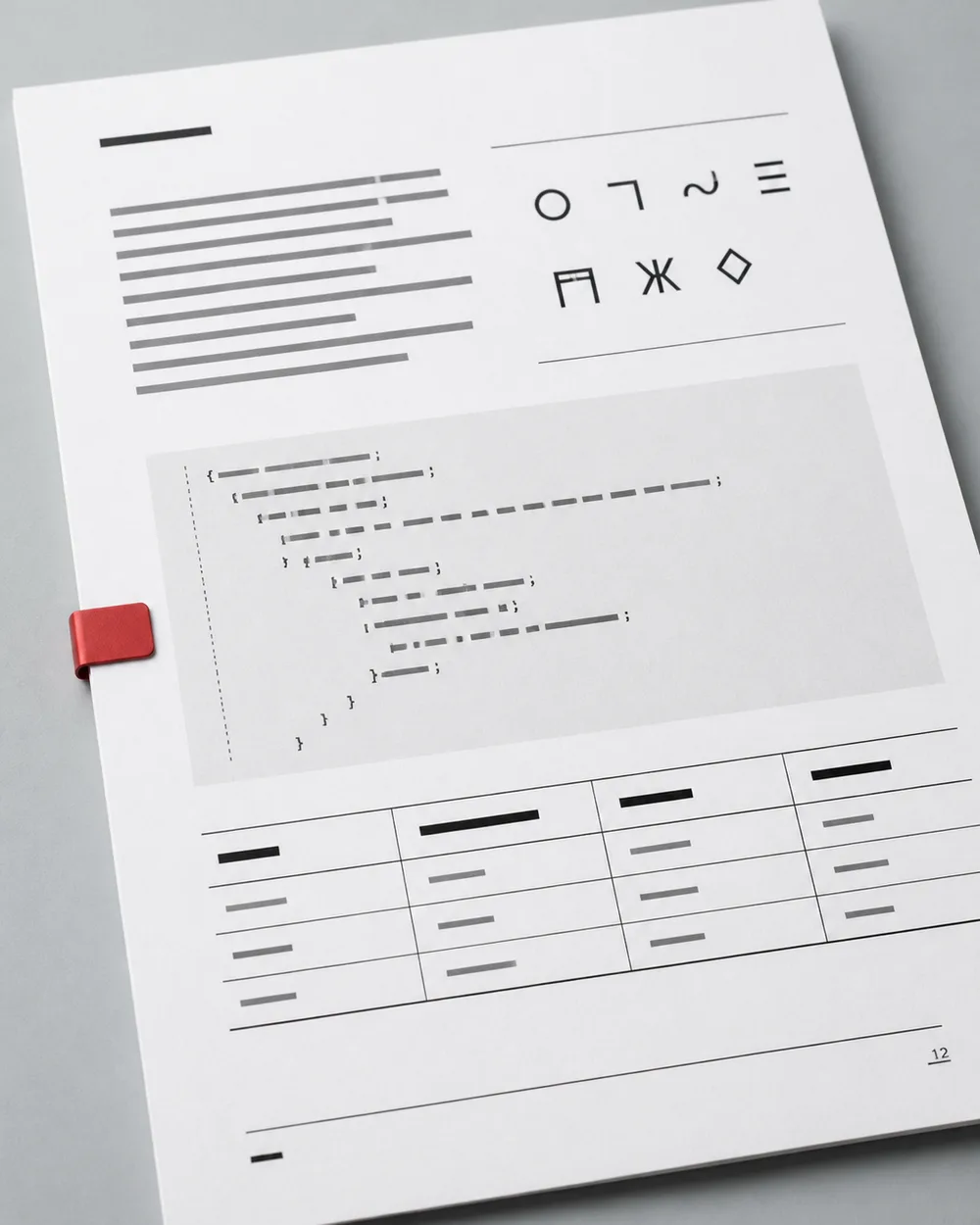
Headings, tables, code blocks, links, CJK text, and custom page breaks remain visible before you export.
Write Markdown, upload a .md file, or fetch a public URL.
Compare live Markdown with the styled PDF preview.
Choose a template and download a clean, paginated PDF.
What happens to your files, what renders correctly, and when this tool is the right fit.
MD to PDF (mdtopdf.io) is built and maintained by DeepMato, our parent studio. We focus on conversion speed, typography, and privacy so you can stay focused on writing.
No. Editing, preview, and HTML export run in your browser. When you download a PDF, your Markdown is sent over HTTPS to a short-lived rendering worker, streamed back as a PDF, and discarded. We do not store, index, or train on your documents.
Yes. Paste raw Markdown, upload a .md file, or fetch content from a GitHub URL. mdtopdf.io will pull the file, render it with your selected template, and stream back a PDF.
Yes. MD to PDF keeps table structure, clickable links, fenced code blocks, CJK text, and custom page breaks intact in the generated PDF.
Pandoc and plug-ins are powerful but require setup, dependencies, and command-line fluency. mdtopdf.io gives you a browser workspace, short-lived PDF rendering workers, GitHub-friendly templates, and zero configuration.
Need more detail? Email hello@mdtopdf.io
Paste Markdown, upload a .md file, or import a public URL. Preview the page, then export.
Preview and HTML export run in this browser. Download PDF uses a short-lived worker and does not store your document.